SmartClassrooms- Creating a Lesson October 03, 2025 05:07 Updated 1. Click -> SmartClassrooms -> Create Lesson. 2. Enter a Title and Description for your lesson. 3. Click . Related Video Related articles SmartClassrooms v3.0 - Adding Teaching Resources FSI Marketplace SmartClassrooms v3.0 - Clipping Videos Request Foxtel SmartClassrooms v3.0 - Adding Questions
 -> SmartClassrooms -> Create Lesson.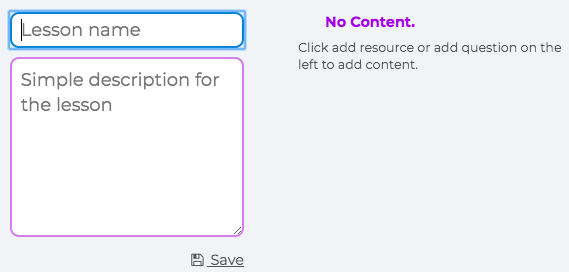
 . -> SmartClassrooms -> Create Lesson..