Have a record that doesn't have a cover or has one that needs updating? Follow the steps in the help article to learn how to change and upload a new cover image using the Catalogue.
We recommend using images up to 600 x 800 pixels.
1. Click  -> Catalogue -> Catalogue.

2. Find the title you want to upload a cover for by clicking  from the toolbar at the bottom of the window.
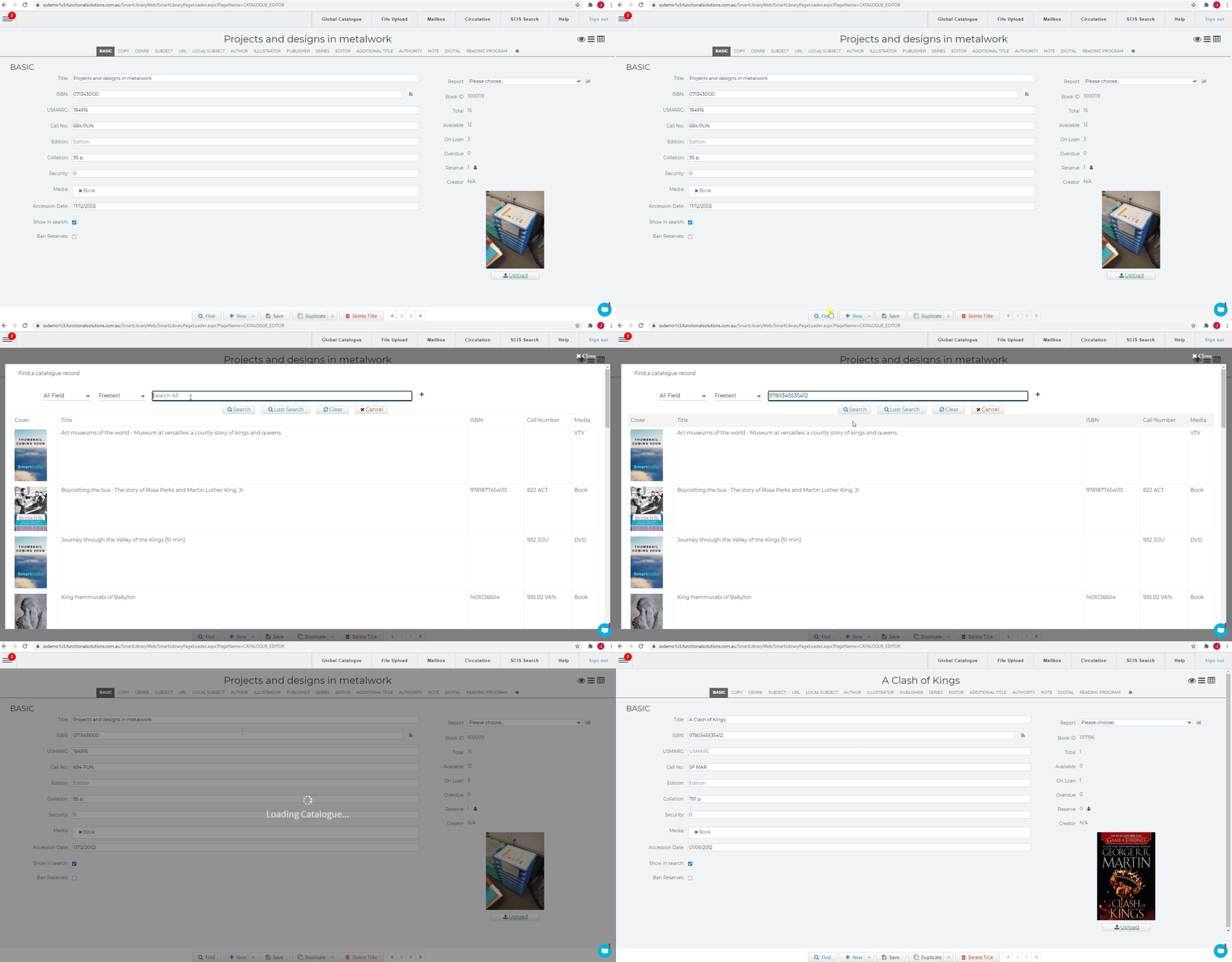
3. Click  under the Cover on the right of the window.
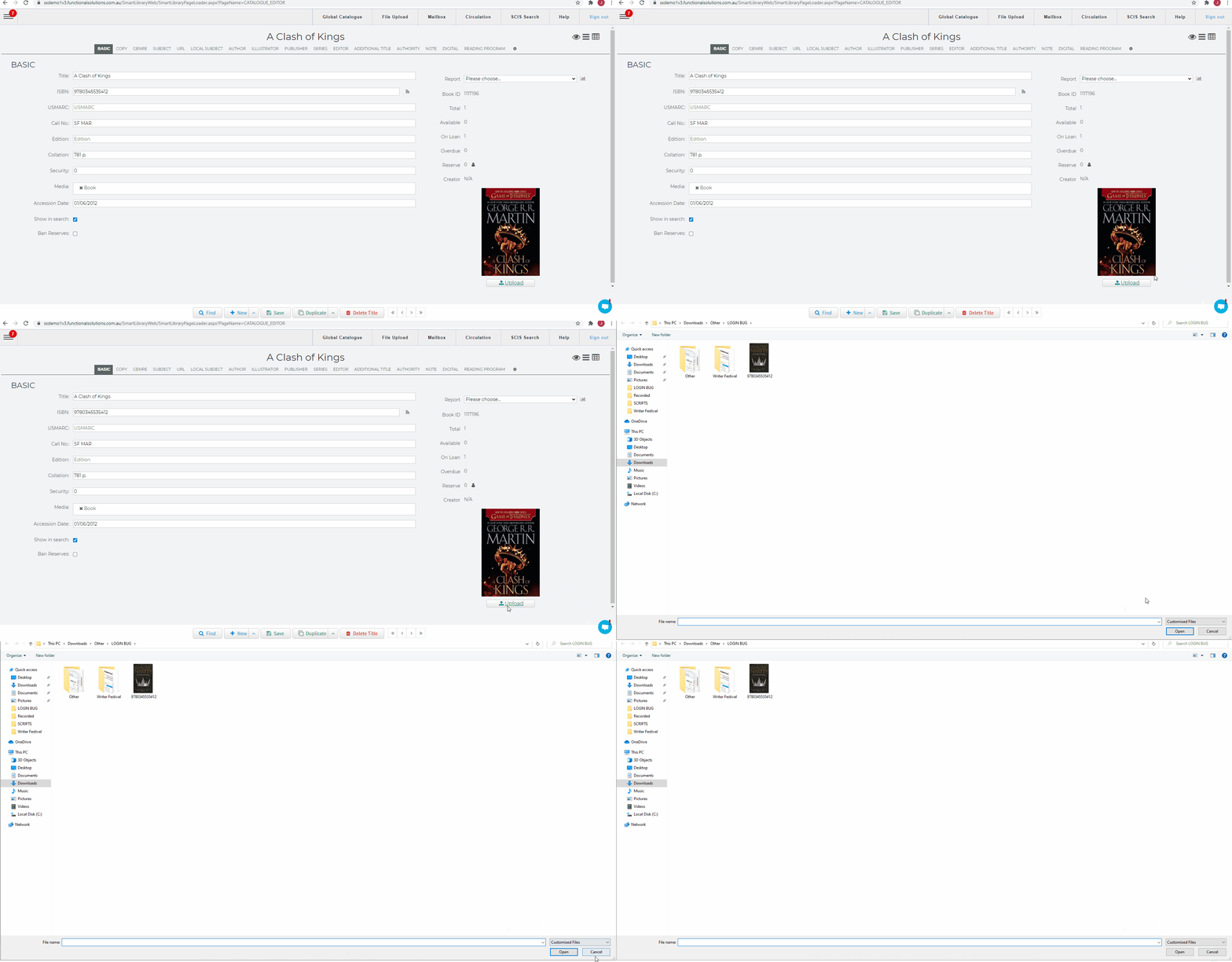
4. Select the image you want to upload from your computer's storage.
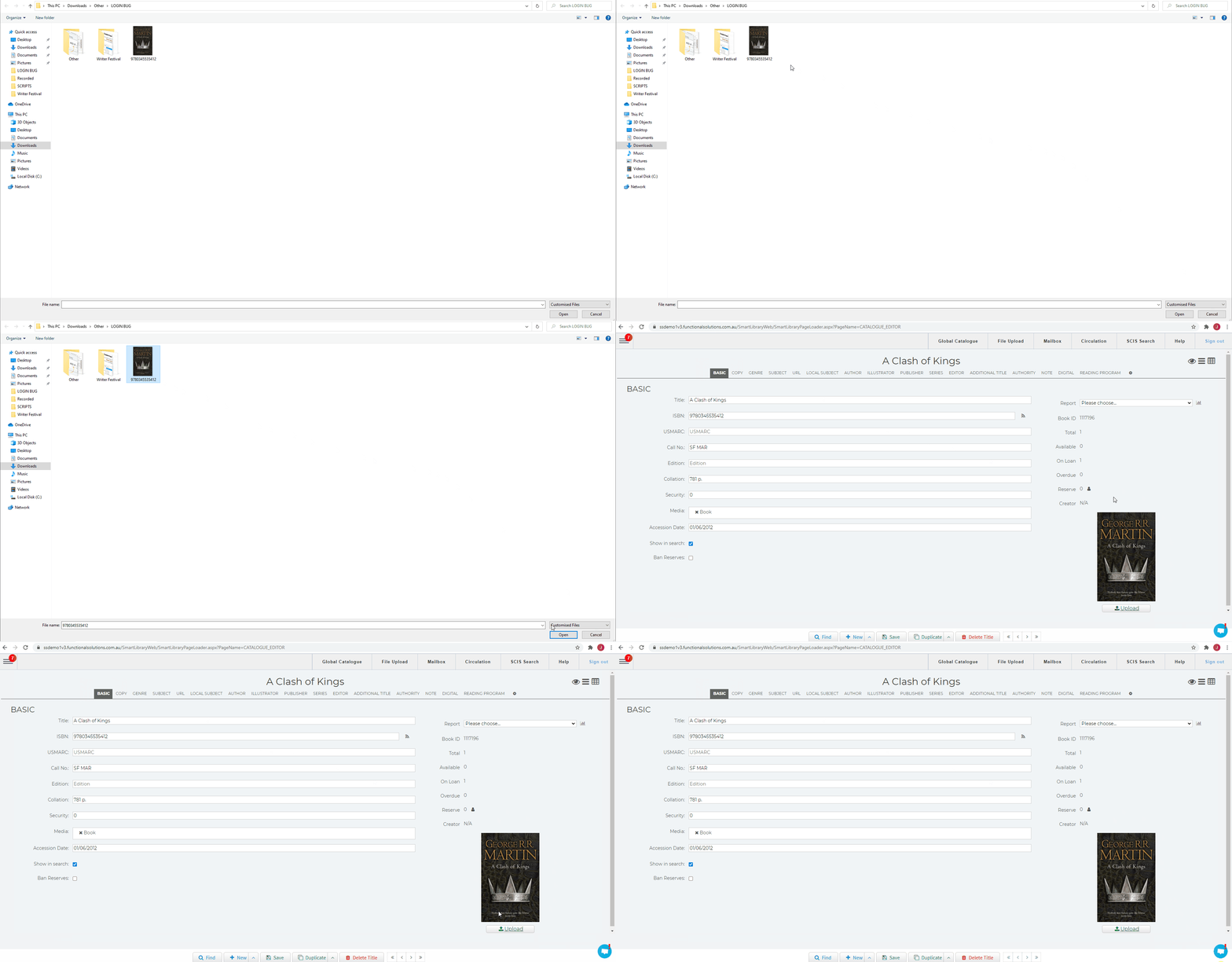
5. DONE!!
Related Video