Circulation has some settings that you can enable and disable these settings allow you to do things like:
- Turn off circulation notifications.
1. Click  -> Circulation -> Circulation.

2. Once you have circulation up look to the top right of your page and click on the  icon. The Circulation Settings page will appear:
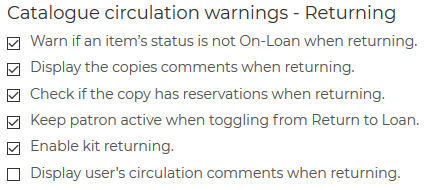
3. Deselect / select the warnings you want to appear when circulating.
4. Hit  to save the changes.
Related Video