Enabling Batch Mode will allow you to ignore any circulation warnings during a loan or return session.
1. Click  -> Circulation -> Circulation.

2. Locate the Batch mode toggle, located in the tool bar.

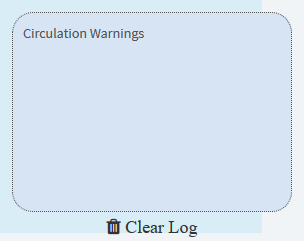
3. Once enabled, the batch mode circulation warnings popup will appear.
This is where any circulation warnings will appear:
Related Video