This article will help you disable a automated email
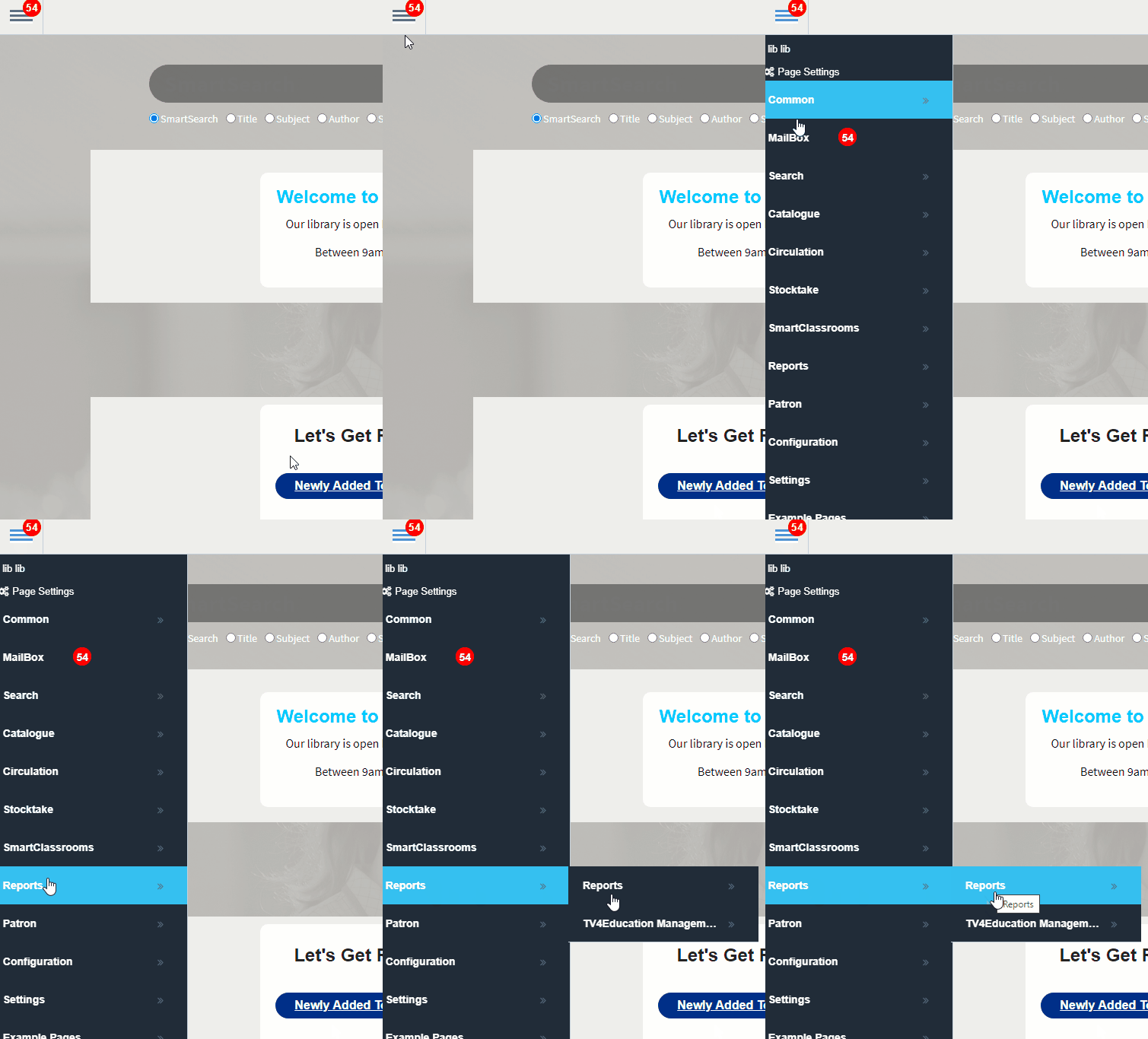
1) Click  -> Reports -> Reports.
2) Under the Reports created by me section, double-click the report you wish to disable.
3) Click  from the toolbar at the bottom of your window
4) If there is a schedule running you will see a NEXT run time.
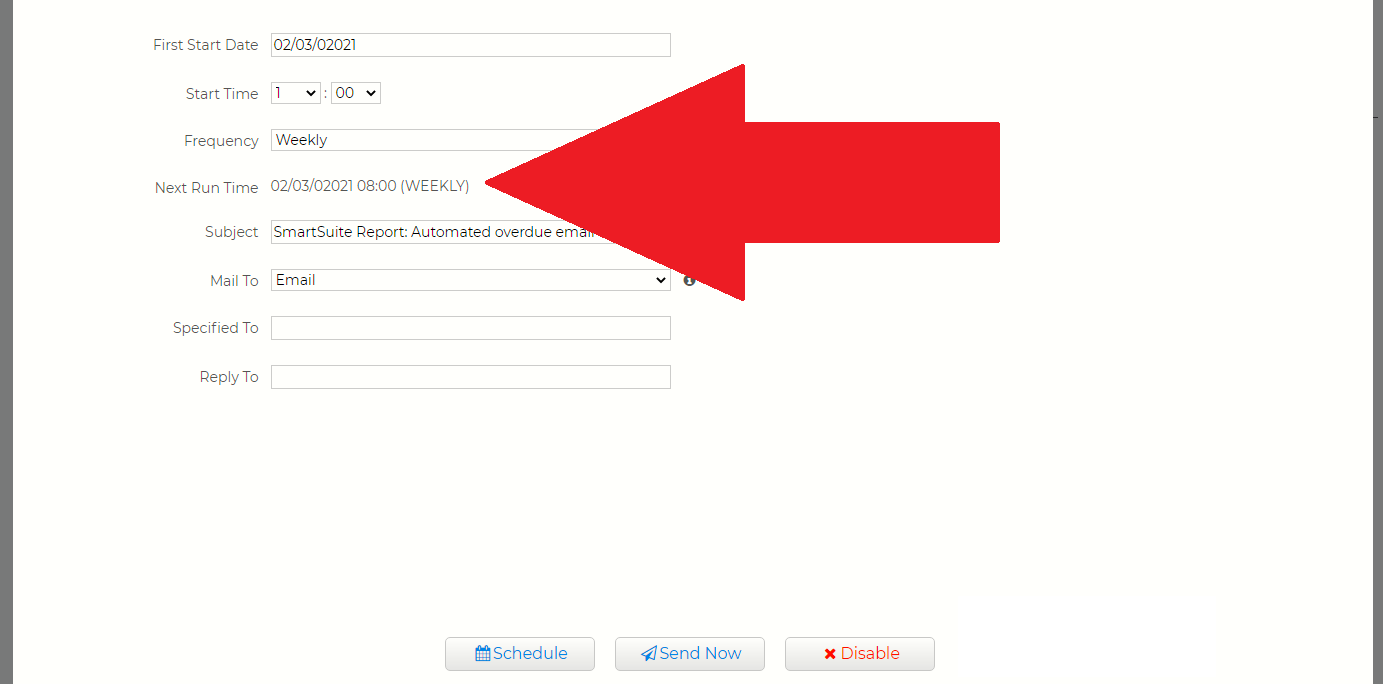
5) Click the  to stop the schedule from running.